

1
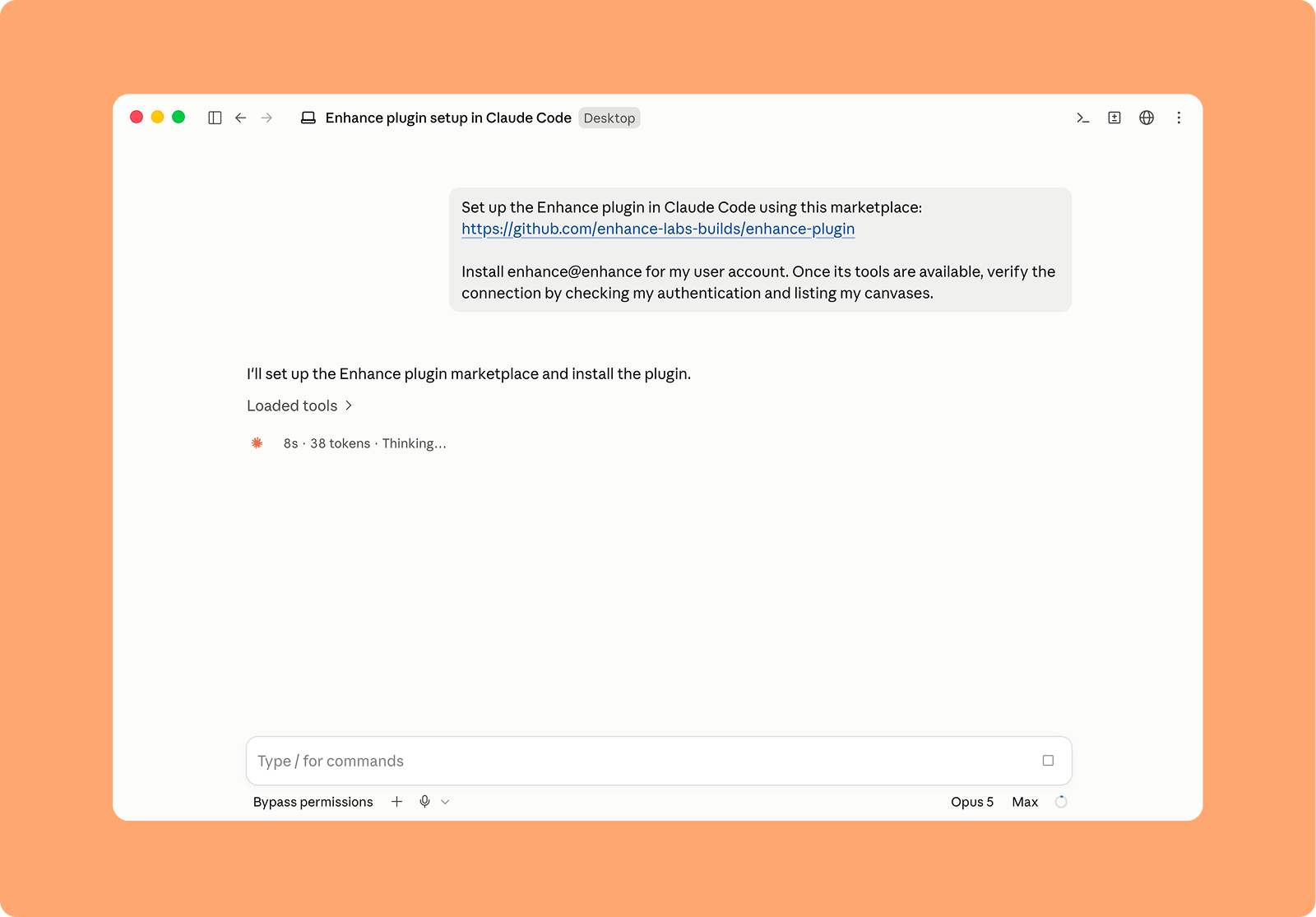
To connect to Claude Code install the plugin by running the following command in a normal Claude Code session.
2
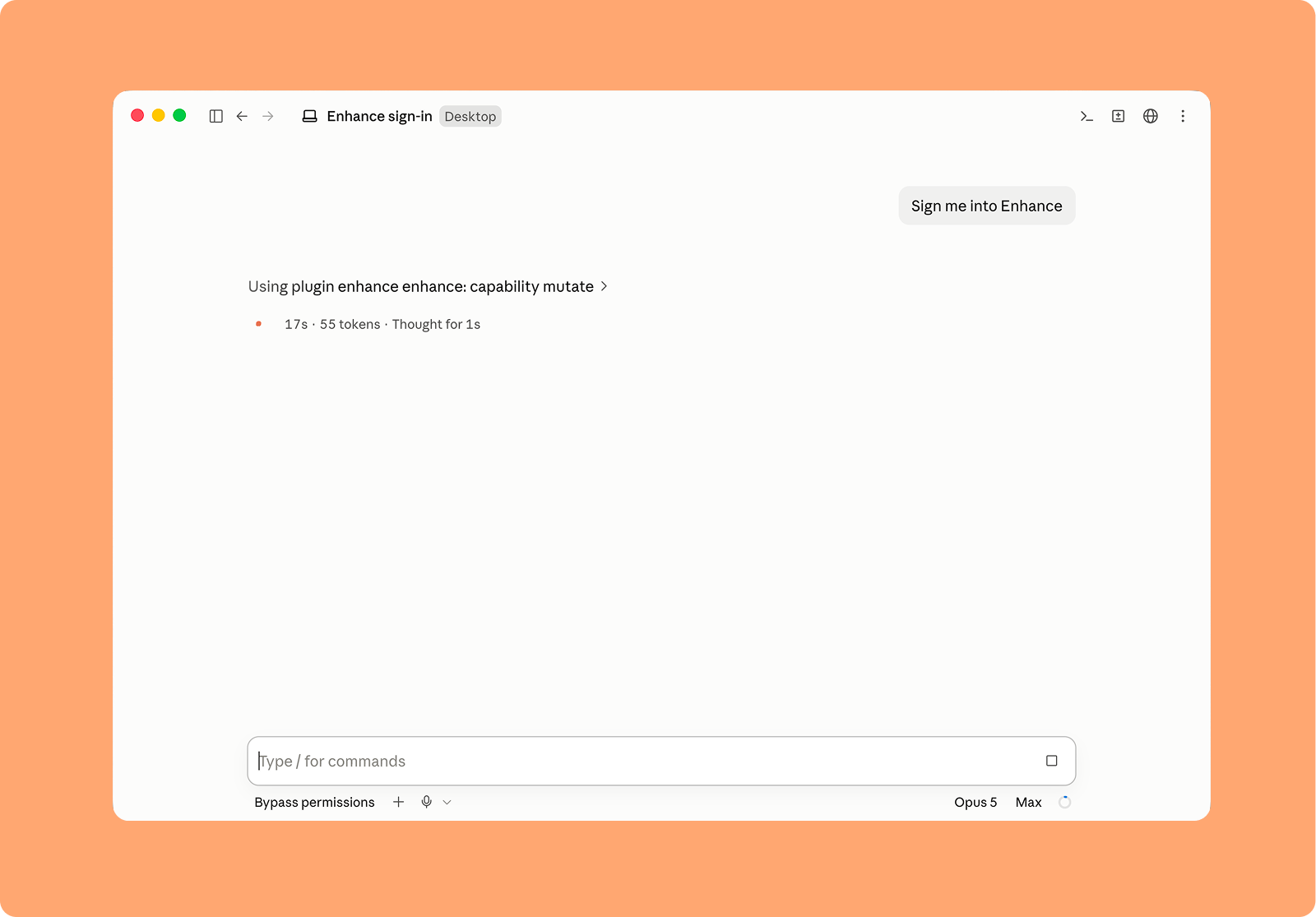
Restart Claude Code, then ask Claude to sign you into Enhance.
3
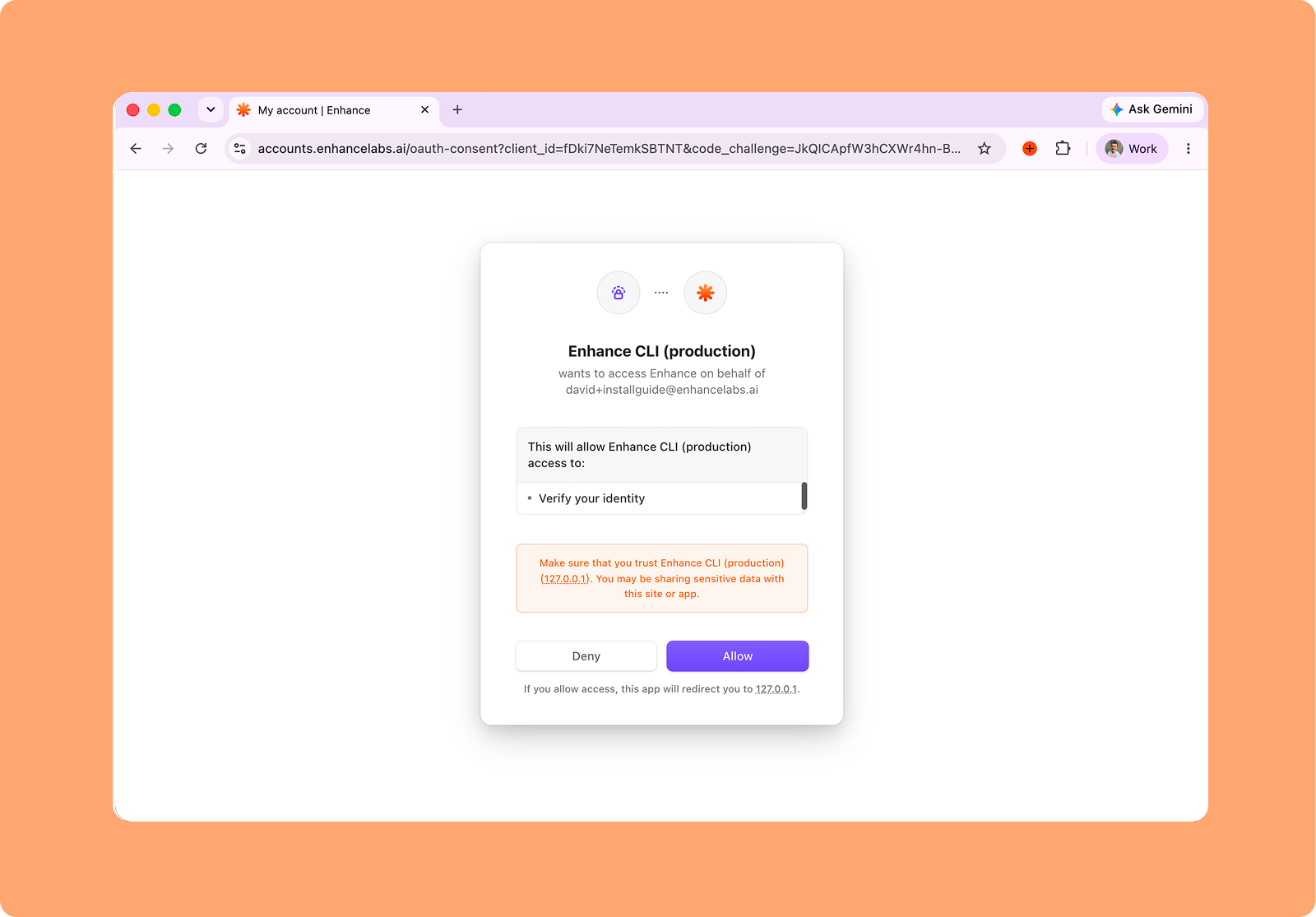
Complete the sign-in page that opens in your browser to authenticate Enhance with Claude Code
/MCP command in Claude.