

1
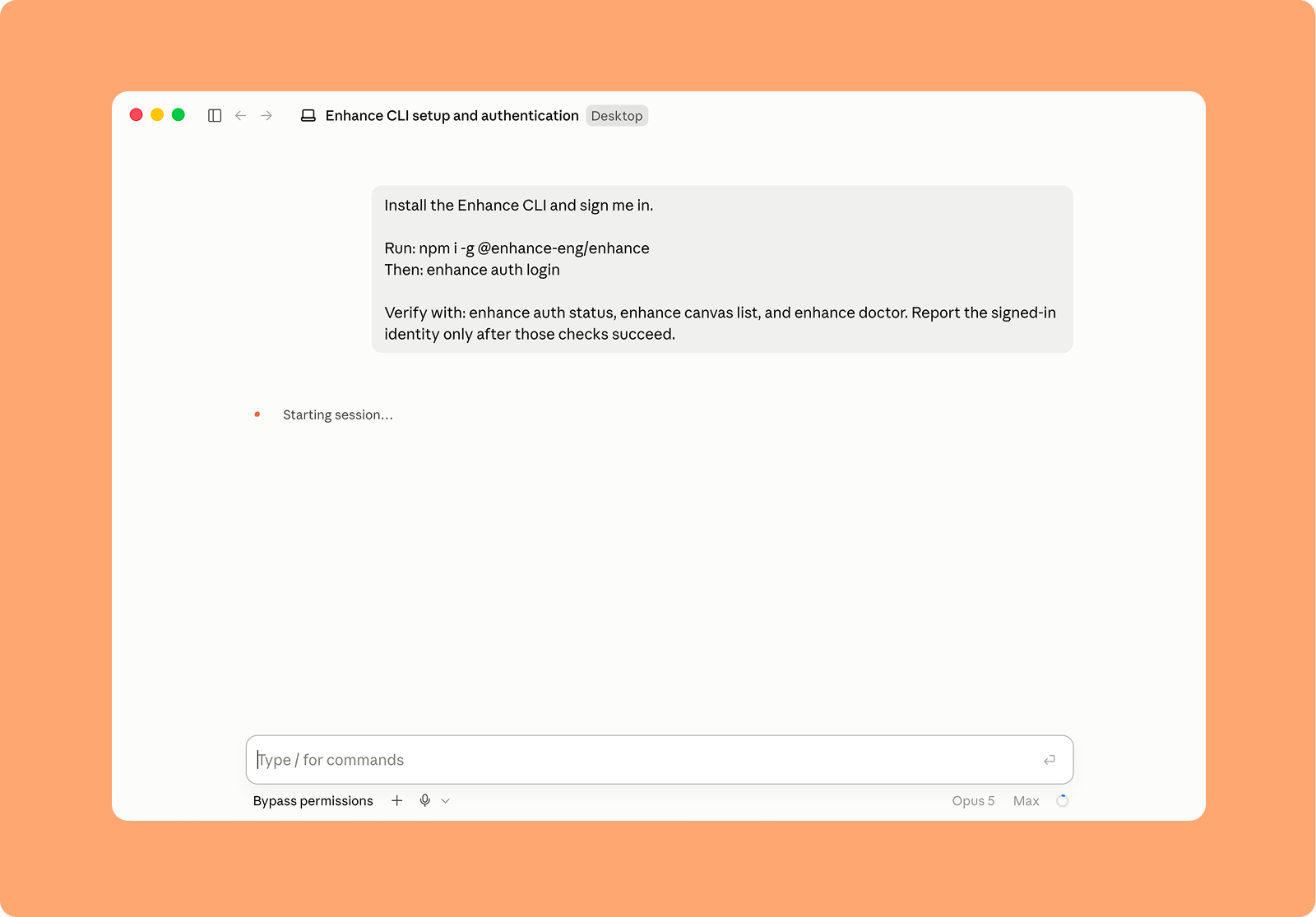
To connect to Claude Code install the CLI by running the following command in a normal Claude Code session.
2
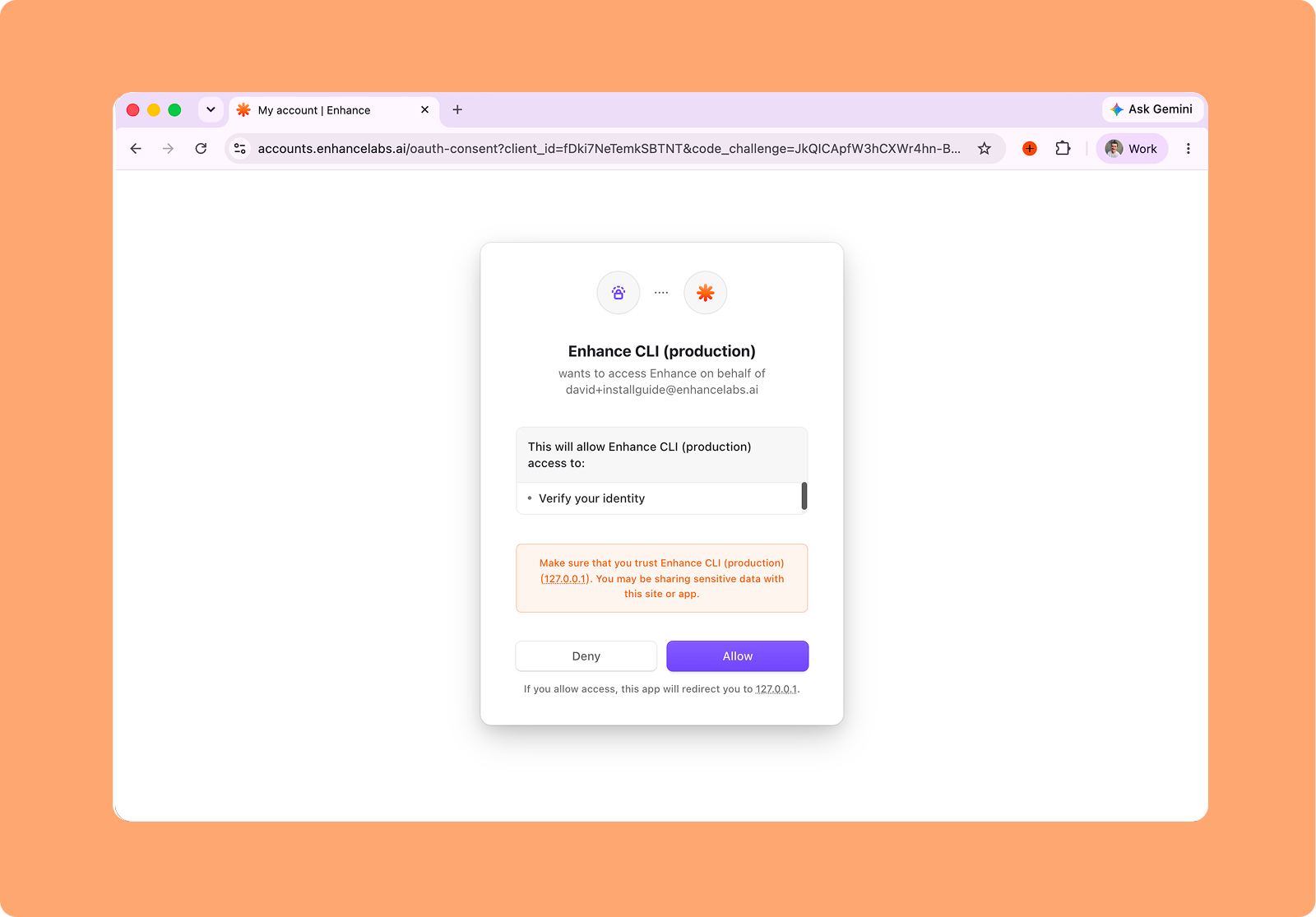
Complete the sign-in page that opens in your browser to authenticate Enhance
Documentation Index
Fetch the complete documentation index at: /llms.txt
Use this file to discover all available pages before exploring further.
To connect to Claude Code install the CLI by running the following command in a normal Claude Code session.
Install the Enhance CLI and sign me in.
Run: npm i -g @enhance-eng/enhance
Then: enhance auth login
Verify with: enhance auth status, enhance canvas list, and enhance doctor.
Report the signed-in identity only after those checks succeed.

Complete the sign-in page that opens in your browser to authenticate Enhance

